Add the player photo
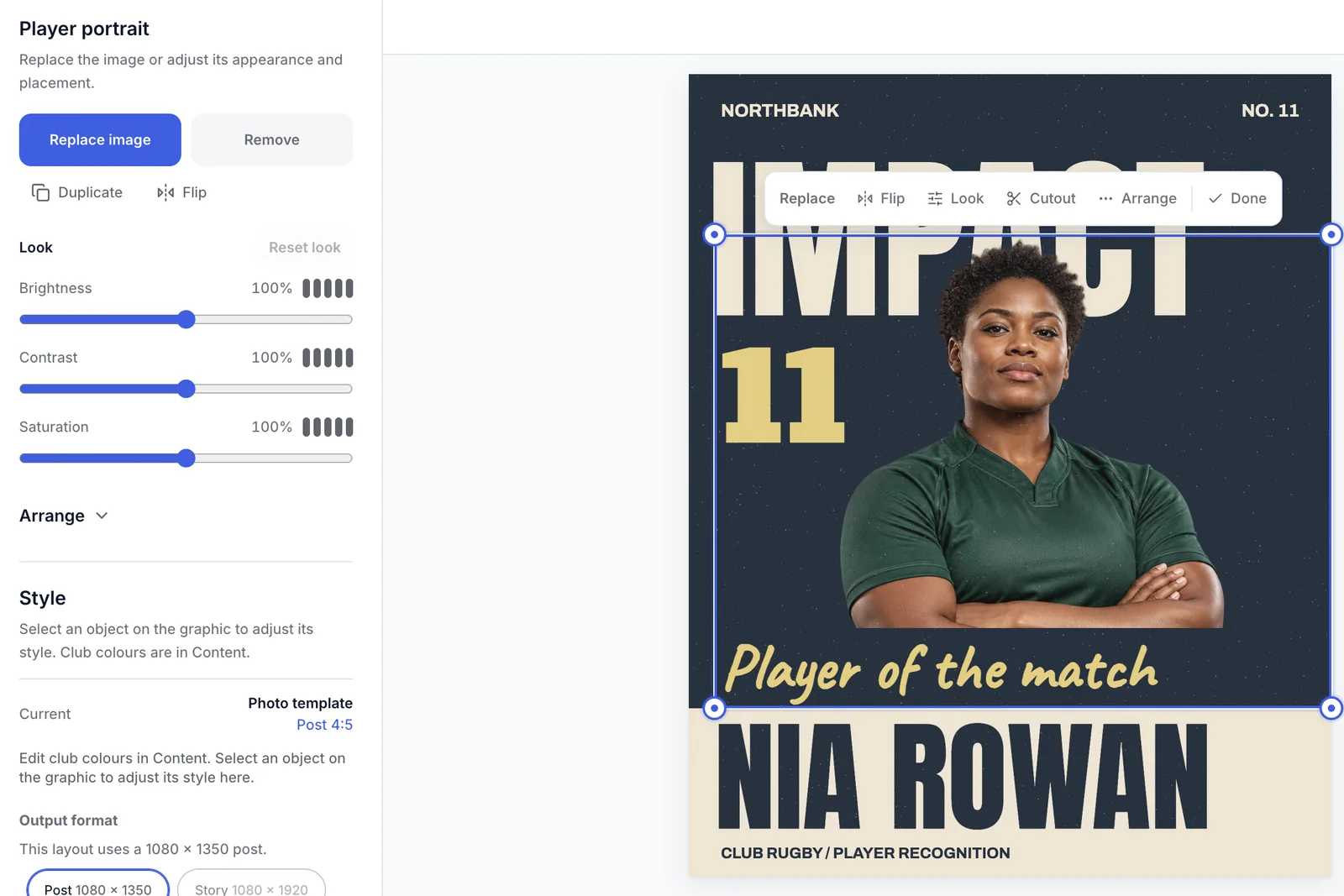
Replace the example photo with your player. Flip it and set the brightness, contrast and saturation.
- Replace or remove the photo
- Flip it to face the right way
- Brightness, contrast and saturation
Player cutouts · PlannedPart of Frostlete for clubs
Removing the background from a player photo is planned. It will run in your browser, so the photo stays on your device. Today you can add the photo and set its look.
Replace the example photo with your player. Flip it and set the brightness, contrast and saturation.
Planned: take the background away, so the player stands on the graphic. The cut runs in your browser.
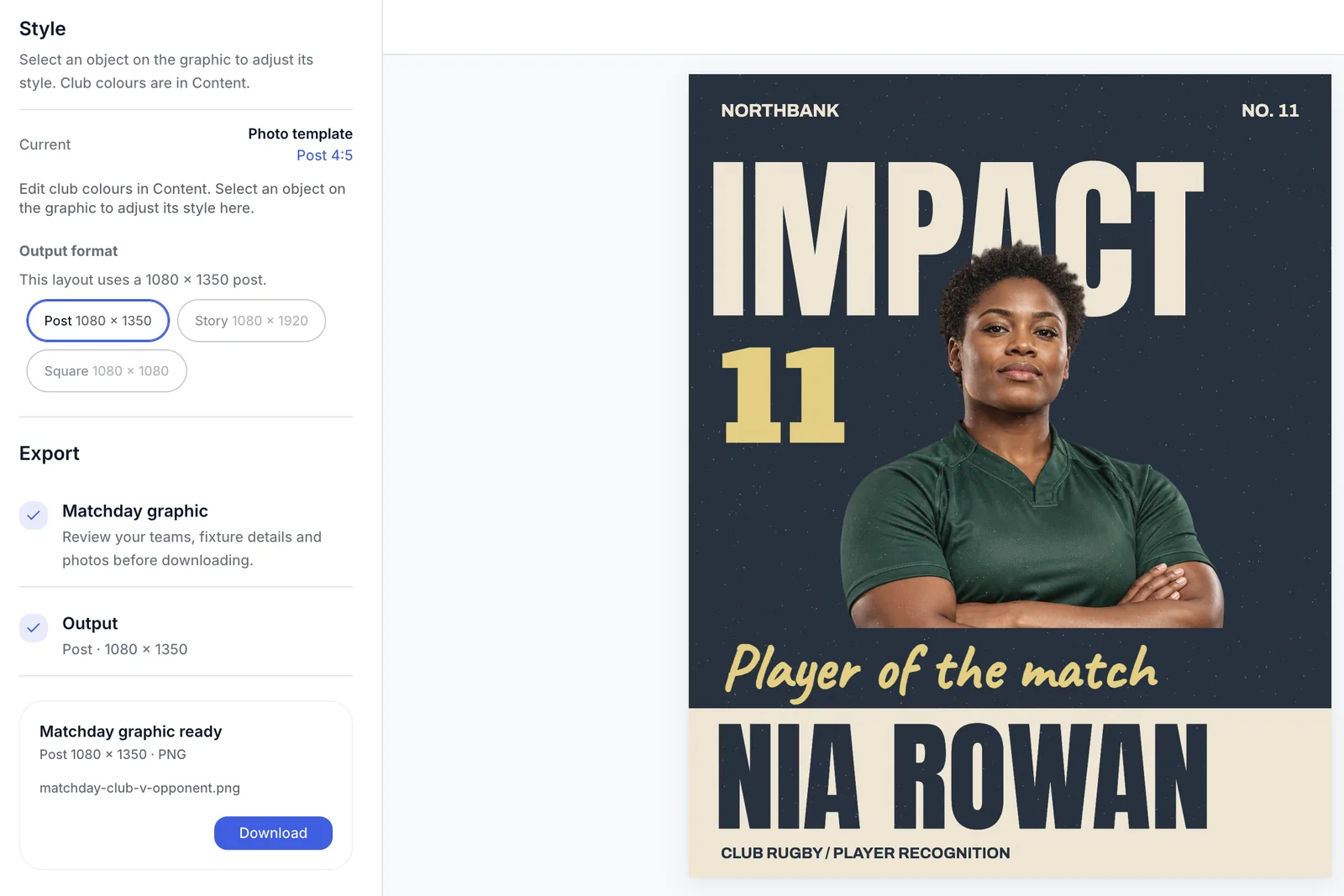
Download the finished graphic as a PNG at the template’s size, such as a 1080 × 1350 post.
Open the template, add your player’s photo and download it.
What the player templates do today, and what cutouts add. Planned features are marked.
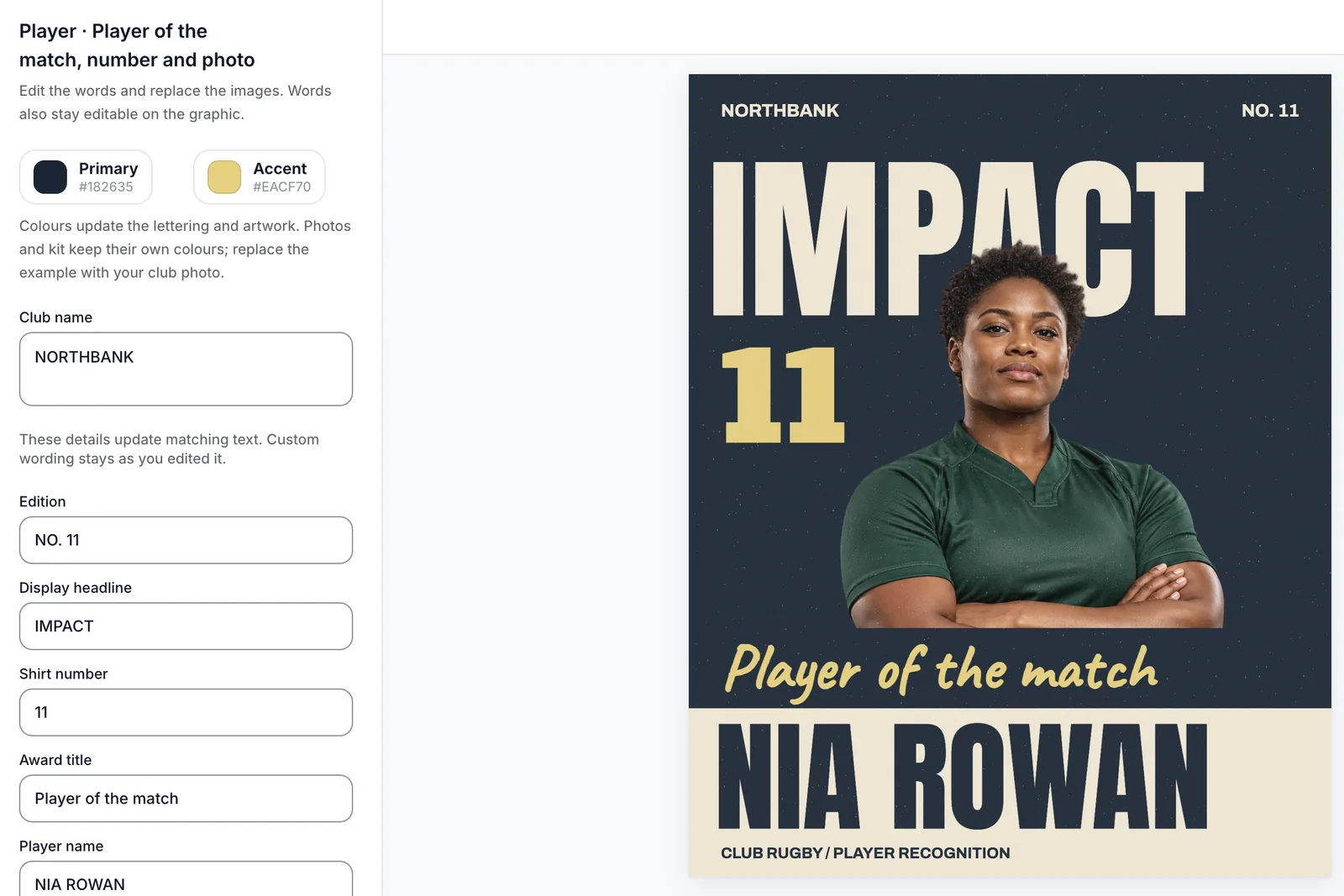
Player of the match with the name, number and photo.
Replace the example photo with your player.
Turn the player to face the right way.
Change the brightness, contrast and saturation.
Every graphic downloads as a PNG at its own size.
Making and downloading a graphic needs no account.
Take the background away so the player stands on the graphic.
Fix the edge by hand where it needs it.
The cut runs in the browser, so the photo stays with you.
The editor is free and needs no account. Tell us which player posts your club makes.